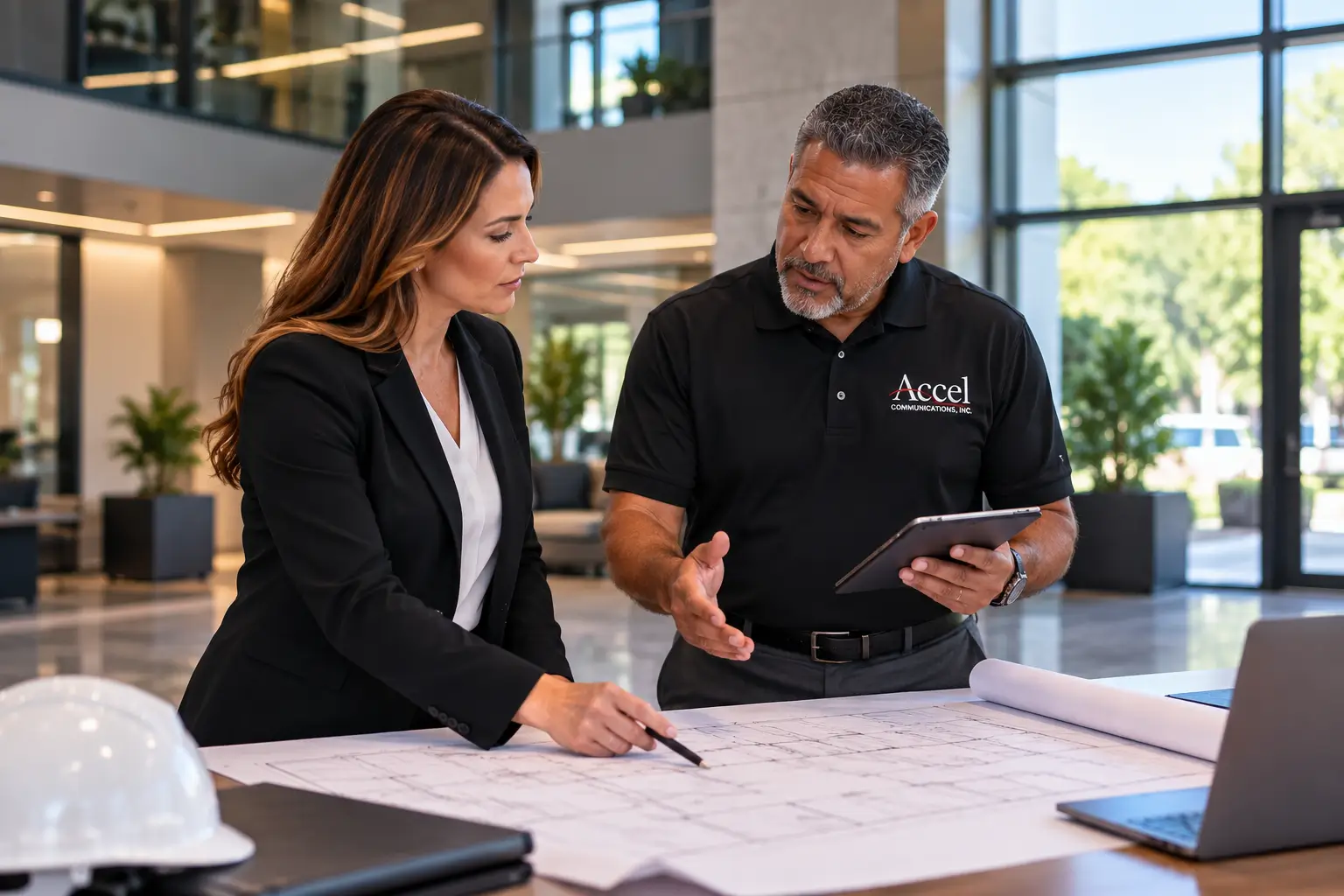
Business Security Systems with Cameras in Phoenix: 2026 Buyer's Guide
Comprehensive 2026 buyer guide for commercial security camera systems in Phoenix. Unifying physical security, visibility, and compliance across your entire operation.

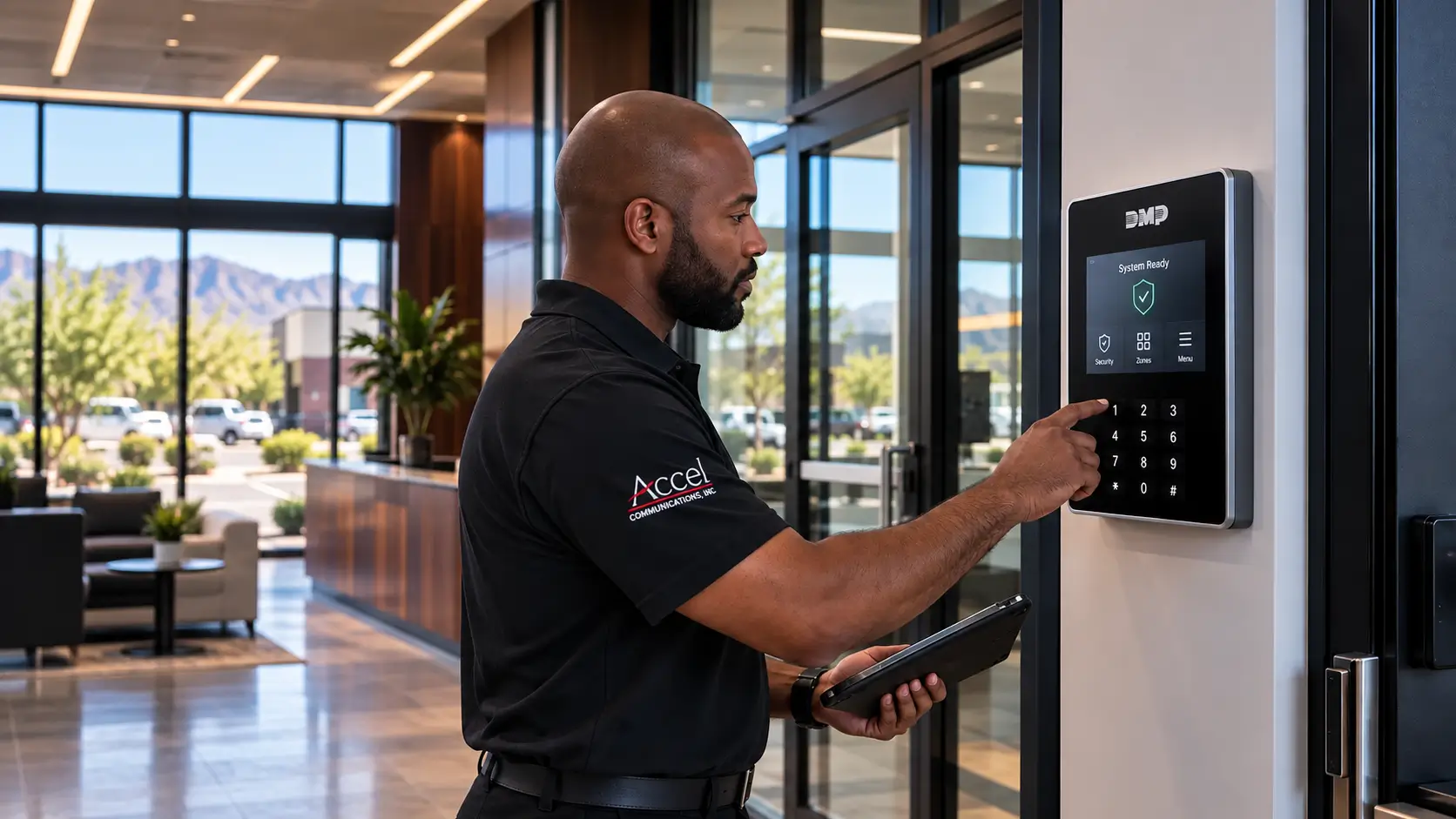
"High-quality surveillance is critical for business security systems because the cost of not seeing what happened, or not being able to prove it, usually exceeds the cost of the system itself. Modern business security systems combine commercial security cameras, access control, fire alarms, and intrusion detection into a single platform."
Modern business security systems combine commercial security cameras, access control, fire alarms, and intrusion detection into a single platform. Selecting the right balance of camera quality, storage approach (local NVR vs cloud), and continuous 24/7 monitoring is the most critical decision Phoenix businesses face in 2026.
Why Business Security Systems with Cameras Matter in 2026
By mid-2026, commercial security has moved well past the era of standalone CCTV. Today’s business security systems combine cameras, alarms, access control, and centralized monitoring into unified platforms that give owners real visibility and real control. For businesses across greater Phoenix, Scottsdale, Tempe, Glendale, Mesa, Chandler, and Gilbert, this shift is not optional. It is a direct response to operational threats.
Internal theft, shoplifting, after-hours break-ins, liability claims from slip-and-fall incidents, and workplace safety violations happen every week in commercial properties across the Valley. High-quality surveillance is critical for business security systems because the cost of not seeing what happened, or not being able to prove it, usually exceeds the cost of the system itself. Commercial CCTV systems offer 24/7 surveillance capabilities, and IP camera systems provide sharper images than legacy analog setups.
This guide is built to help Phoenix-area business owners, property managers, and facility leaders choose and design a commercial security camera system that fits their property type, operational risk, and budget. Whether you are protecting a single retail shop in Chandler or managing a warehouse campus in west Phoenix, the goal is the same: dependable protection, clear recommendations, and a system that works the way your business works.
What Is a Business Security System with Cameras?
A business security system integrates commercial security cameras, a recording device (NVR or DVR), cloud or hybrid storage, alarms, access control, and centralized management software into one platform. The goal is not just to capture footage. It is to unify physical security, visibility, and compliance across your entire operation, from the front door to the loading dock.
Core System Components
- Indoor & outdoor commercial cameras (Bullets, Domes, Turrets, PTZs)
- Network Video Recorder (NVR) with RAID redundancy
- Cloud or hybrid off-site event backup
- Intrusion sensors (door contacts, glass break, motion detectors)
- Access control readers (smartcards, PINs, mobile credentials)
- Centralized VMS software with mobile & browser access
The difference between business security systems and a typical home security system is significant. Commercial systems support 24/7 recording and monitoring across 16 to 128 or more camera channels. Commercial-grade cameras offer higher resolution than consumer options, run on continuous-duty electronics, use tamper-resistant metal housings, and integrate with enterprise IT networks.
Types of Commercial Security Cameras and Where They Fit Best
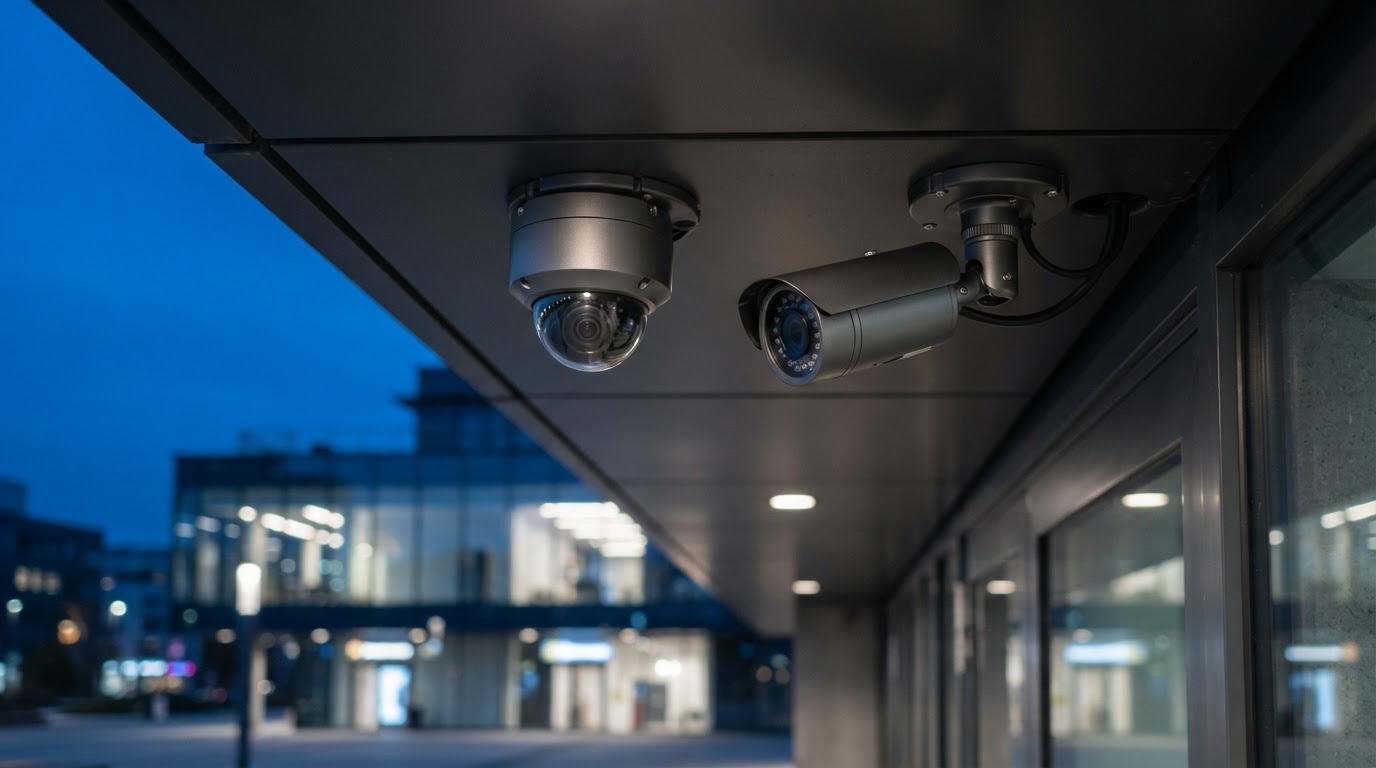
Choosing the right mix of business security cameras matters more than buying the most expensive single model. Cost inefficiencies and blind spots come from using overly powerful units where a simpler camera would do, or from ignoring coverage gaps that a different camera type would solve.
Bullet Cameras
Elongated, directional units ideal for outdoor perimeter surveillance. They excel at long-range coverage: parking lot approaches, building perimeters, and entrance corridors with optional LPR capabilities.
Dome Cameras
Low-profile shape fits drop ceilings, lobbies, and retail spaces where aesthetics matter. Vandal-resistant IK10 metal domes prevent tampering in high-traffic or public areas.
Turret & Starlight
Easy to aim without lens reflection issues. Equipped with Starlight sensors for high low-light performance in alleys, storage yards, and dimly lit after-hours corridors.
PTZ & Panoramic
Pan-Tilt-Zoom units track incidents across loading docks and open yards. 180° and 360° fisheye cameras reduce total camera count in wide lobbies and warehouse centers.
What Makes a Camera "Commercial Grade"?
In practical terms, commercial grade security cameras feature solid metal housings, IP66 or IP67 weather ratings, IK10 vandal resistance, and extended operating temperature ranges — critical in Phoenix where summer surface temperatures exceed 140°F. For most Phoenix commercial properties, 4MP is the sweet spot balancing crisp clarity, bandwidth, and disk storage. Reserve 8MP or 4K for critical views like cash handling, entry gates, and license plate recognition.
Evaluate Your Facility's Security Vulnerability & Risk Level
Wired vs. Wireless in Commercial Environments
In commercial environments such as multi-tenant offices, warehouses, and retail chains, wired IP systems using Power over Ethernet (PoE) remain the undisputed standard in 2026. A single ethernet cable delivers both power and data to each camera, simplifying installation while supporting reliable, interference-free connections across large camera counts.
Storage and Retention: NVR, Cloud Storage, or Hybrid?
In 2026, most commercial security cameras record primarily to on-premise NVRs, often paired with selective cloud storage for critical events or off-site backup. Typical retention targets range from 14 to 90 days depending on risk profile, insurance mandates, and regulatory oversight.
16-Camera 4MP Commercial Deployment
16 cameras at 4MP resolution recording at 10 FPS with motion-triggered capture (20% average activity) require approximately 2.6 TB of storage for 30 days of retention. Upgrading to 8MP continuous recording multiplies storage needs by 4x.
Designing a Camera Layout by Commercial Property Type
Retail Stores
Priority areas: entrances, registers/POS, high-shrink aisles, and receiving doors. POS integration allows video clips to automatically attach to flagged transaction logs.
Office Buildings
Priority areas: lobbies, elevator vestibules, server rooms, and parking stairwells. Integrated access logs correlate badge swipes directly with video clips.
Warehouses & Logistics
Priority areas: loading docks, yard gates, perimeter fences, and high-bay aisles. Rugged PTZ and LPR cameras secure vehicle access and outdoor yards.
Medical Offices & Clinics
HIPAA compliance dictates that cameras must never capture patient records or exam room interiors. Focus on medication storage, waiting areas, and rear exits.

Integrating Access Control, Alarms, and Cameras
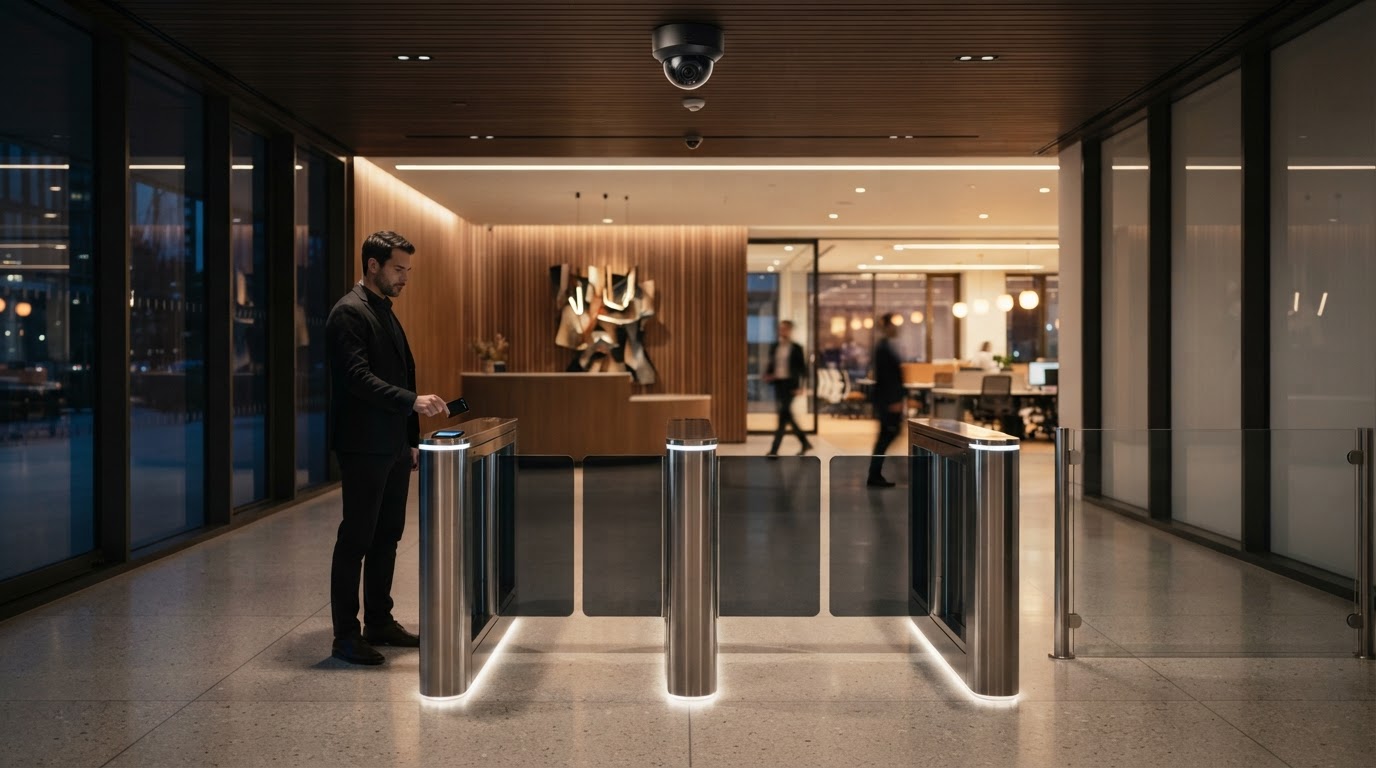
The strongest commercial security systems do not treat cameras as a standalone tool. They integrate access control, intrusion alarms, and video into a unified security solution. When a door-forced alarm fires, the system automatically pulls up the associated camera view and bookmarks the recording timeline — eliminating guesswork during critical incidents.
Costs, ROI, and Compliance Considerations
- Video recording permitted in public/semi-public commercial areas (lobbies, parking, sales floors)
- Prohibited in private spaces (restrooms, changing rooms, break rooms) per ARS § 13-3019
- Arizona is a one-party consent state for audio (ARS § 13-3005) — audio capture requires explicit policies
- Commercial policy documentation & employee onboarding notices strongly advised
How to Evaluate and Select a Commercial Security Camera System
In 2026, shopping by brand name is less effective than evaluating systems by fit, features, support, and total cost of ownership. The best security solution for a retail store in Tempe may be completely wrong for a medical office in Scottsdale.
- Total number of cameras needed and camera types for each location
- Storage goals (retention days, local vs cloud vs hybrid)
- Access control integration & mobile credential support
- Compliance and regulatory requirements (HIPAA, PCI DSS, AZ audio consent)
- Budget ceiling including installation, licensing, and 5-year operating SLA
Frequently Asked Questions
Get a Custom Security Assessment for Your Phoenix Business
Our security engineers will evaluate your property, identify coverage gaps, and design a system tailored to your budget and risk profile — no obligation.